Divider
Component to separate content.
A <Divider> is a visual separator between two groups of content,
e.g. groups of menu items or sections of a page.
Anatomy
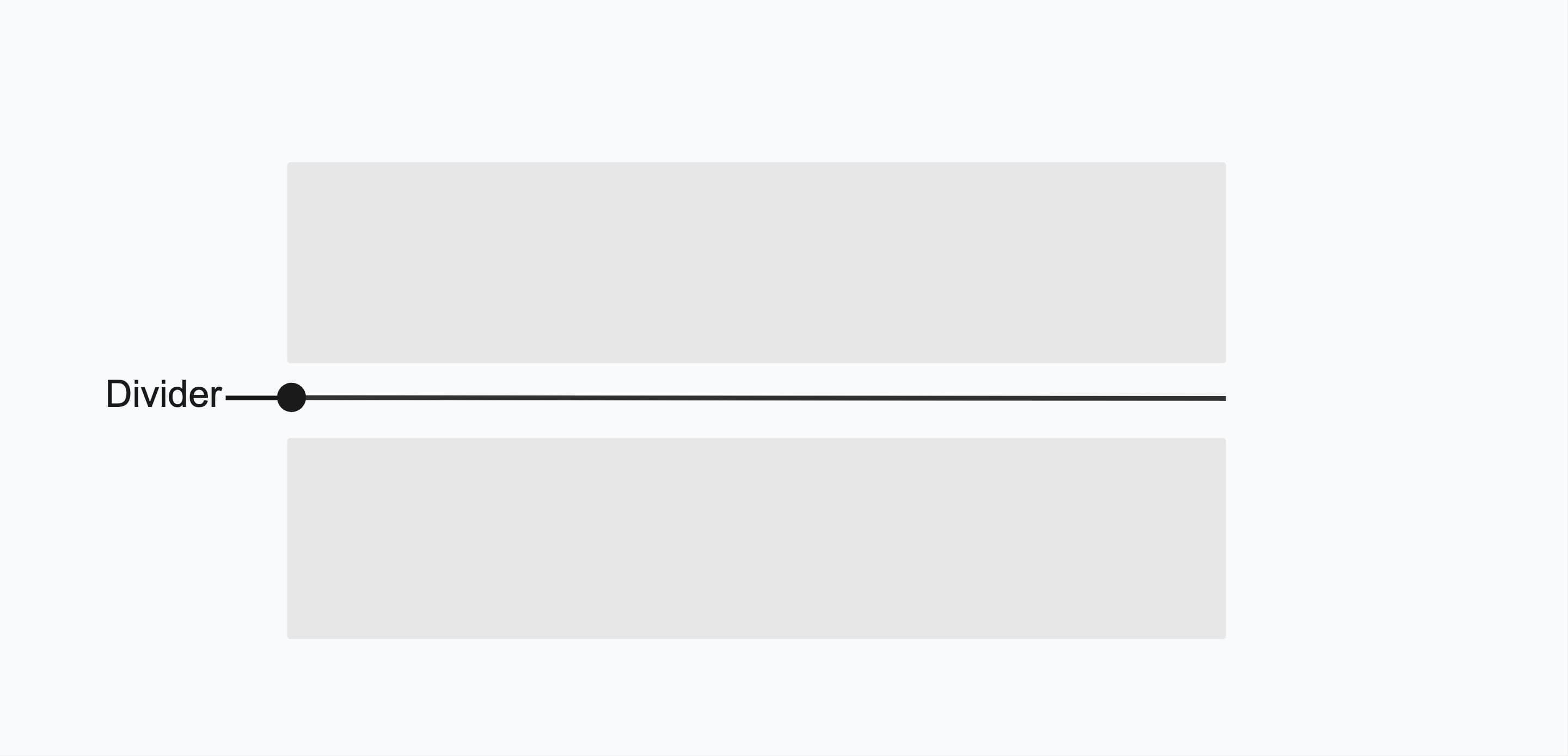
The <Divider> component contains a single element that can be used to create a horizontal or vertical line to separate content.
Appearance
The appearance of a component can be customized using the variant and size props. These props adjust the visual style and dimensions of the component, available values are based on the active theme.
| Property | Type | Description |
|---|---|---|
variant | default | bold | The available variants of this component. |
size | - | The available sizes of this component. |
The Divider component supports variants to control the visual weight of the separator.
| Variant | Description | When to use |
|---|---|---|
default | Thin, subtle separator line. This is the default variant. | Separating content sections with minimal visual weight. |
bold | Thicker separator line with more visual emphasis. | When a stronger visual break is needed between content sections. |
Usage
You should use <Divider> to visually separate related content, such as sections in a settings page, items in a list, or actions in a toolbar. They help improve clarity and organization without adding semantic meaning. However, dividers should be used sparingly—only when spacing alone doesn't provide enough separation. Avoid them if they create visual clutter or when semantic elements like headings or sections are more appropriate.
import { Divider, Stack, Text } from '@marigold/components';export default () => ( <Stack space={4}> <Stack space={2}> <Text weight="bold">Account Information</Text> <Text>Update your name, email address, and password.</Text> </Stack> <Divider /> <Stack space={2}> <Text weight="bold">Notification Settings</Text> <Text> Choose how you want to receive updates and alerts.</Text> </Stack> </Stack>);Accessibility
The <Divider> uses the ARIA role separator to indicate that it visually separates and distinguishes sections of content or groups of menu items.
Props
Divider
Prop
Type
Alternative components
- Stack: If you need to create space between elements, consider using the
<Stack>component instead of a divider. It provides spacing without the visual line.